
📌 Introduction
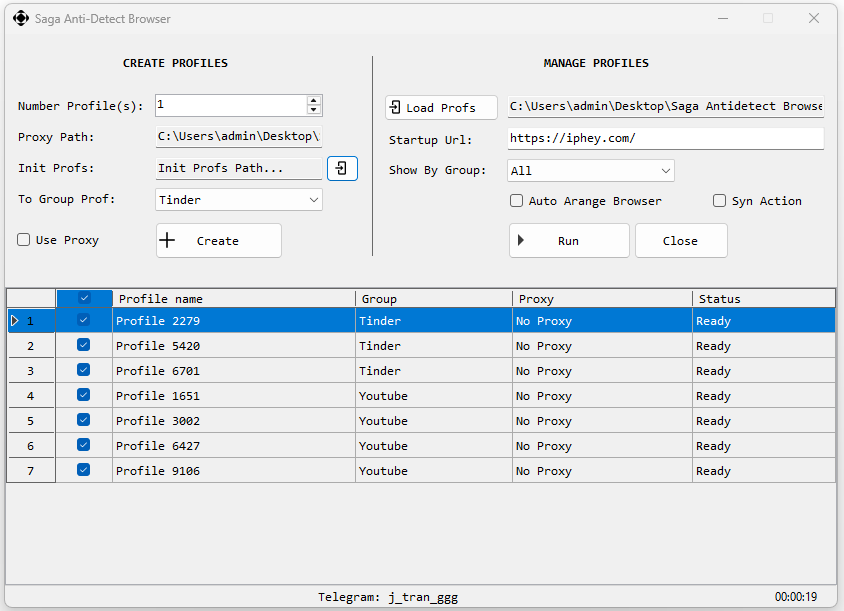
Saga Antidetect Browser is a powerful tool designed to manage unlimited accounts in one place – Boost productivity with Saga Antidetect Browser’s secure, automated browser profiles. Create, organize, run, and manage multiple browser profiles from one simple interface.
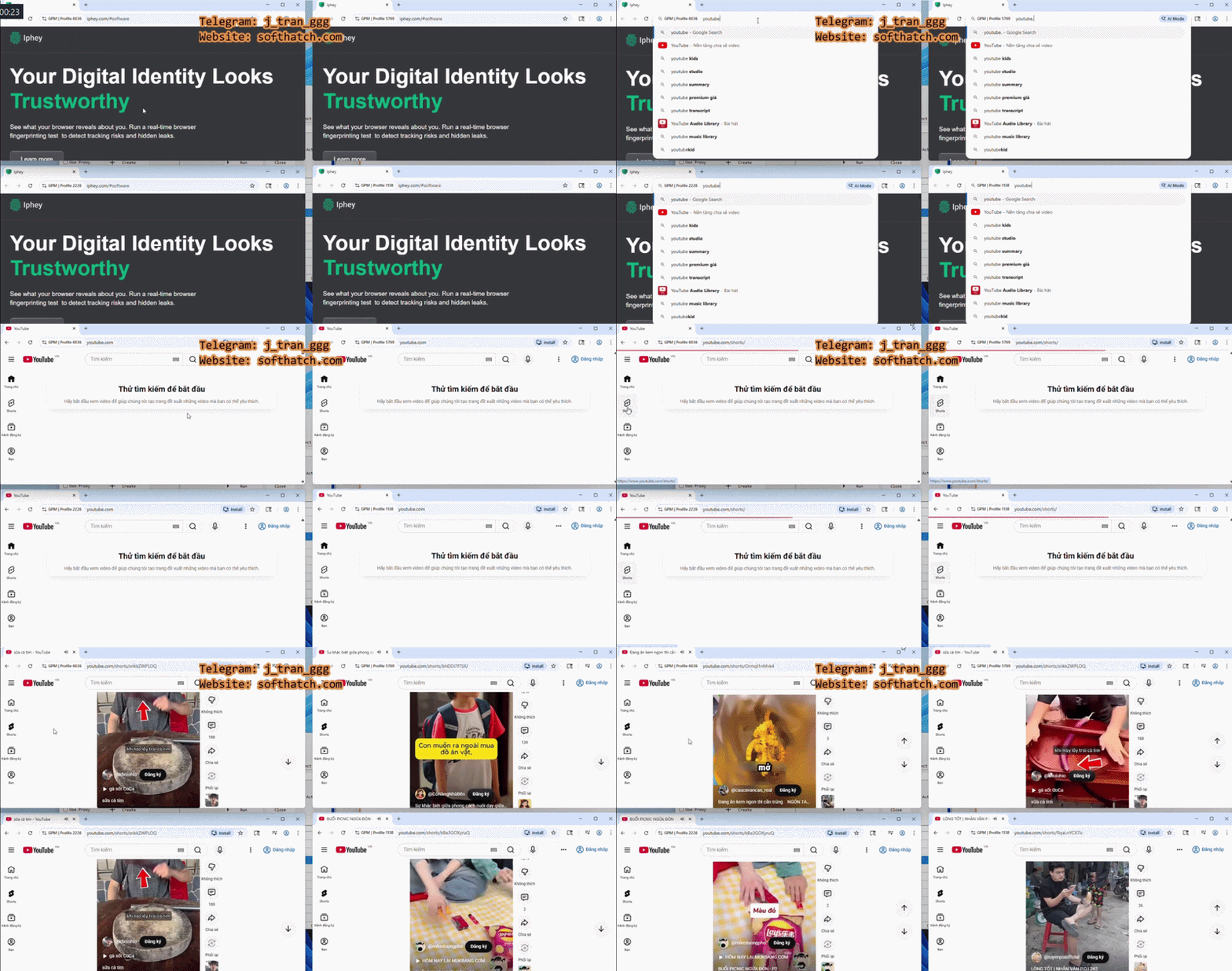
- New version v1.2 released: update .net version, Support both Chrome & Firefox , Customizable profile name
- New version v1.3 released: Support edit proxy & remove profile proxy
⚙️ Key Features
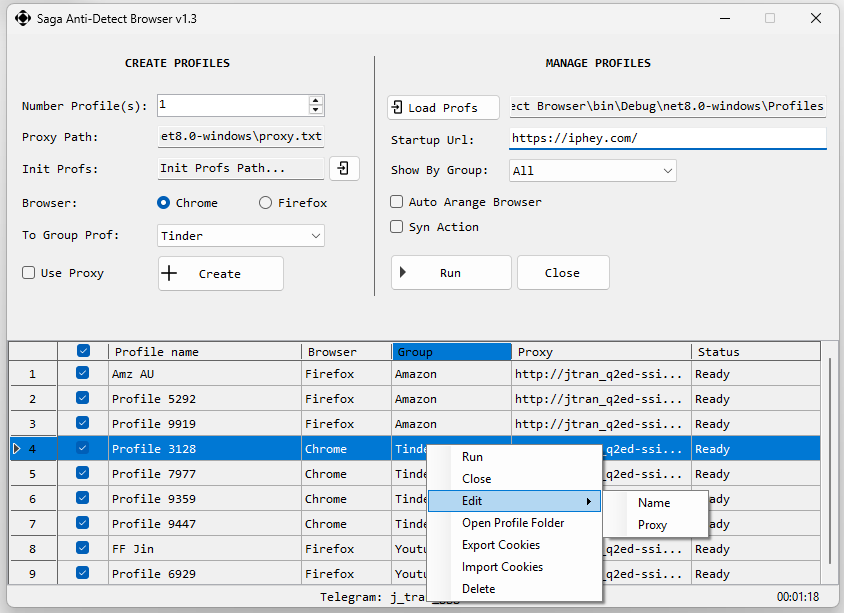
- Bulk Profile Creation: Create multiple browser profiles at once.
- Group Management: Add newly created profiles into group folders such as Tinder, YouTube, Facebook, TikTok, Shop, Ads, or any custom group.
- Automatic Proxy Assignment: Enable proxy mode to automatically assign proxies when creating new profiles.
- Auto Arrange Browser Windows: Automatically arrange opened browser windows on your screen for easier monitoring and multitasking.
- Sync Browser Actions: Control 1 browser and sync actions to other running browsers.
- Cookie Import & Export: Export cookies from a selected profile or import cookies into a selected profile for easier session management.
▶️ How to Use
- Open Saga Antidetect Browser.
- Enter the number of profiles you want to create in the profile quantity field.
- Choose the group where new profiles should be added.
- Optional: enable Use Proxy if you want Saga Antidetect Browser to automatically assign proxies.
- Click Create Profiles to start creating new profiles.
- To manage existing profiles, click Load Profiles Path and select the folder that contains your browser profiles.
- Enter a startup URL if you want profiles to open a specific website by default.
- Check the profiles you want to open, then click Run Selected Profiles.
- Optional: enable Auto Arrange Browser to arrange opened browser windows automatically.
- Optional: enable Sync Action to synchronize actions from the 1 browser to other opened browsers.
- Use the right-click menu or action buttons to run, close, export cookies, import cookies, open folder, or delete a selected profile.
🎥 Video
✅ Contact
Need support for Saga Antidetect Browser licensing? Reach out on Telegram: @j_tran_ggg
🔗 Also check out
Smart Traffic Clicker – support automate various online tasks – viewing websites, clicking ads, filling out forms, or gathering text data…